How to split components
To split a component into multiple Figma components in basic
set-up, edit one of its properties (it needs at
least two values) and set ‘Layout in Figma canvas’ to ‘As multiple
components’. You can also apply axis="split" in Advanced
setup or via the variantProperties
API directly in
stories.
By default, story.to.design will create variants for components.
But if you want to create multiple components in Figma you can use the axis="split" option.
Use case
For example, to separate icons into multiple, individual components and use them in instance swaps, apply axis="split".
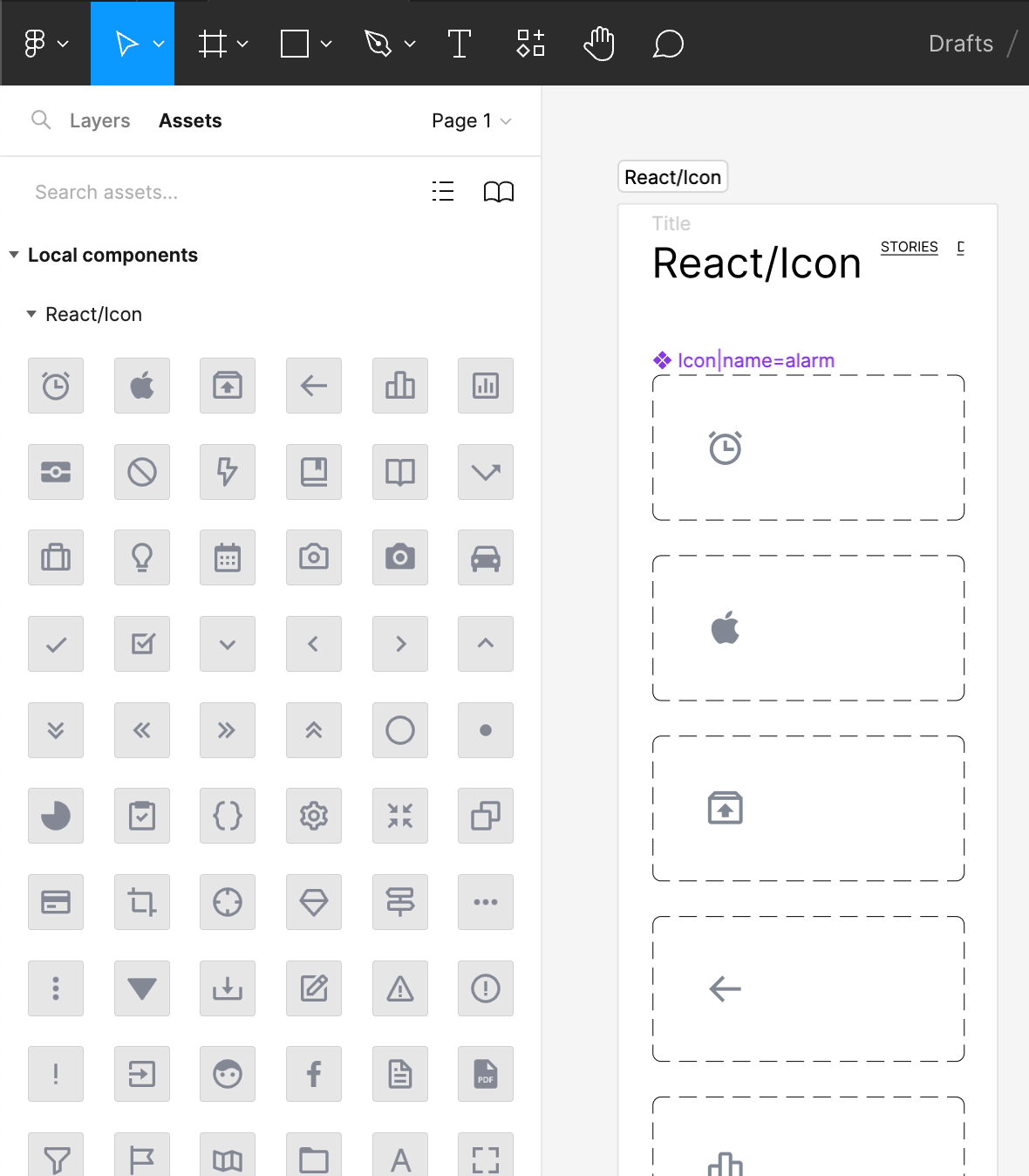
Read our documentation about the axis="split" option for more details.